
What does it do?
A simple extension to capture a full-page screenshot of a rendered email or web page — really handy for anyone opening an HTML email in the browser who wants to save the whole thing as an image, top to bottom, at native resolution.
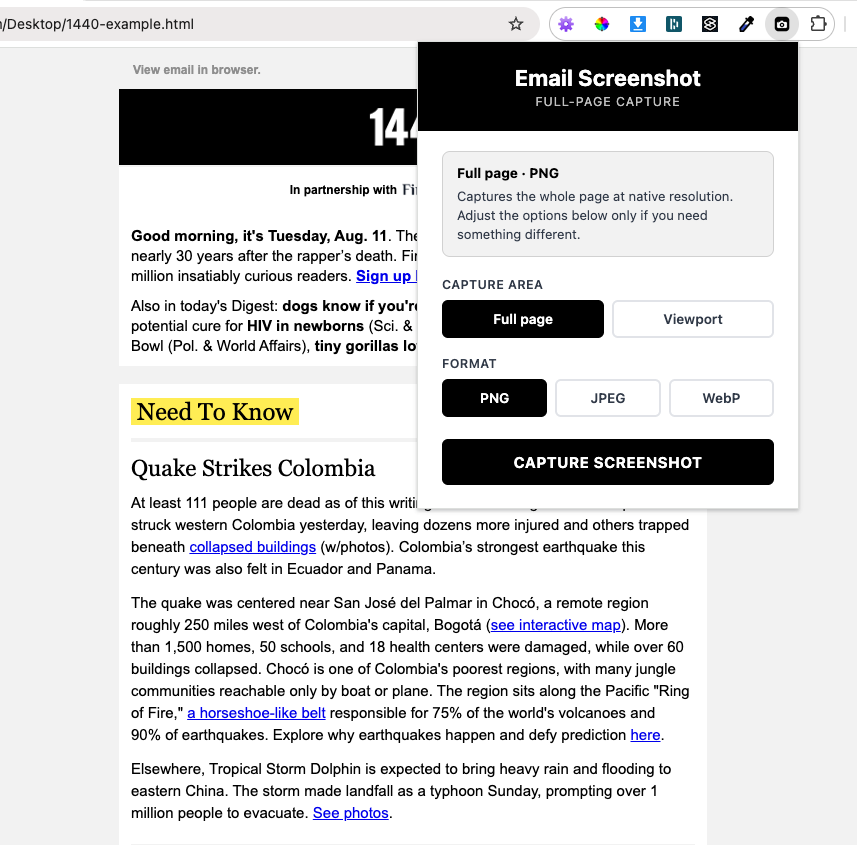
Open the email preview, click the icon, and hit capture:
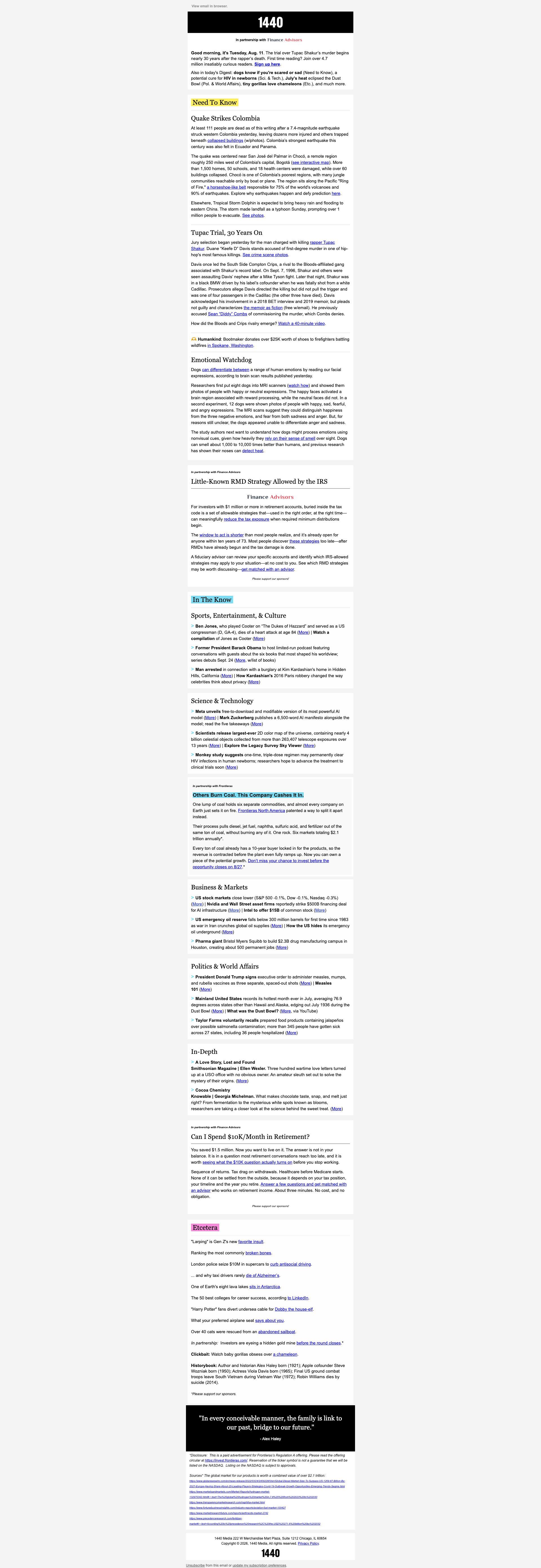
You get the entire page stitched into one image — no manual scrolling, no scrollbar baked in:
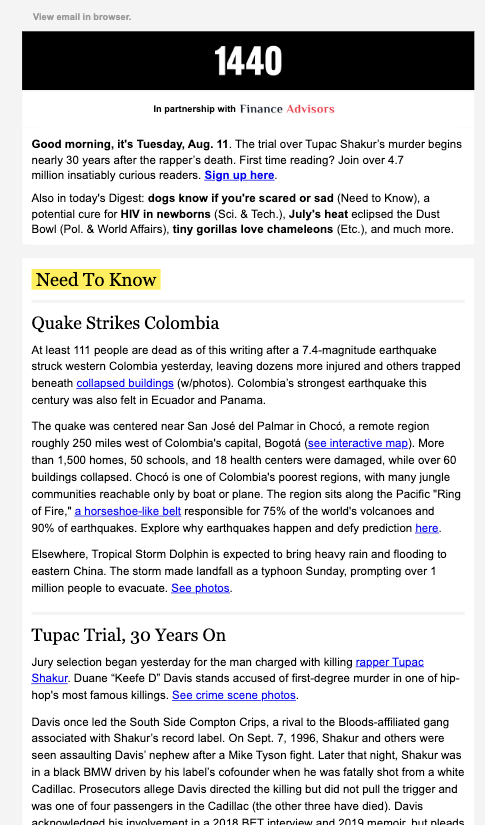
Alternatively choose the viewport option to take a screenshot of what you can see:
Features
- Full page or viewportCapture the whole scrollable page, or just what's on screen.
- PNG, JPEG & WebPPick your format, with a quality slider for JPEG/WebP.
- Retina resolutionCaptures at the correct device pixel ratio — HiDPI comes out full-res.
- No scrollbarThe scrollbar is hidden during capture so it never appears in the image.
- Real rendered pixelsPhotographs the page as the browser draws it — no DOM re-rendering that mangles email CSS.
- Auto-named filesSaves as
{page title} screenshot-YYYY-MM-DD_HH-MM-SS.
Links
Privacy Policy
This extension uses only the activeTab and scripting permissions — it just captures the tab you're on when you click the icon. No data is shared, stored or tracked, and there's no external code.
Support
For any support needs — email: jay@lessonsinemail.com