We've had a design update - same Lessons in Email, brand new look. Let me know what you think: jay@lessonsinemail.com
Free field guide
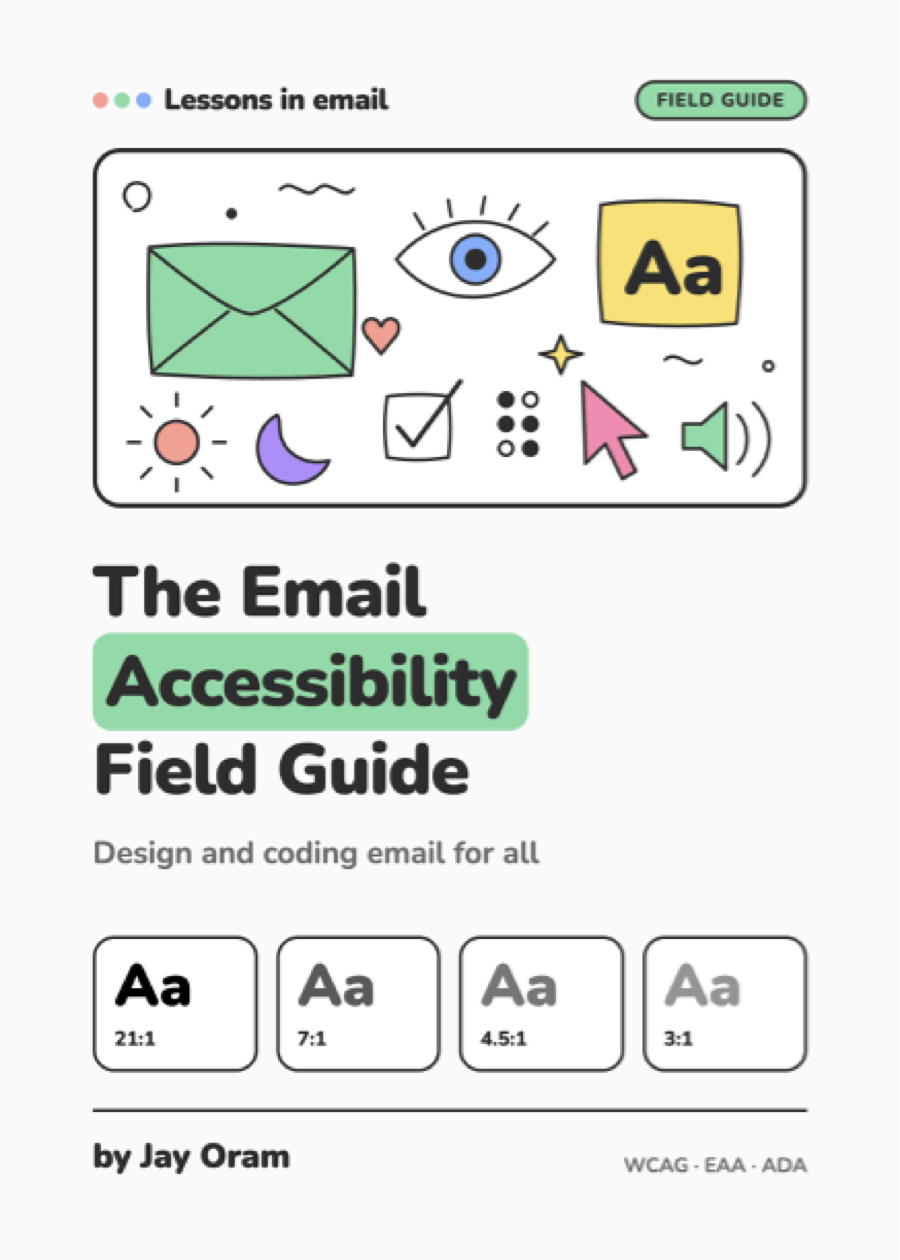
The Email Accessibility Field Guide
Design and coding email for all. A pocket guide from contrast and dark mode to alt text, interactive email and QA, with checklists you can use on your next send.
01 · Why it mattersThe business and legal case: WCAG 2.2, the EAA, the ADA and the Equality Act.
02 · StructureSemantic HTML in email code, layout tables and code starter.
03 · ColourContrast ratios, use of colour, and the grey footer trap.
04 · Dark modeThe three types of dark mode, common issues and the code to handle them.
05 · Type & mediaReadable typography, GIFs, animation and prefers reduced motion.
06 · Alt textFour questions to ask, with weak and better examples.
07 · InteractiveWhere interactive email helps accessibility, and how to build it.
08 · Pitfalls & fixesMaking sure interactive emails work with assistive tech.
09 · QA checklistA per-email checklist to run before every send.
10 · AuditA design system and template audit to score Pass, Partial or Fail.
11 · ResourcesFree resources and your next steps.
Need a hand with accessibility?
The guide gets you started. If you'd like experts to review your emails, I lead the technical consulting team at ActionRocket, where we run technical audits and educate brands on accessibility. Helping you at the source: design systems, tools and the underlying code.
Email accessibility audit
A full review of your templates, design system and recent campaigns against WCAG 2.2 AA. You get a report on your current accessibility and what you can do to improve it.
Free initial consultation
Not sure where to start? Book a free consultation, to chat through your emails, your markets and what the rules mean for you.
Resources
From the guide
Email Markup Consortium The annual email accessibility report, plus a database of what each client supports.
Can I email HTML and CSS support, client by client.